What to keep your data in: files, formats and structures for working with agents
1Data is always a file in a folder
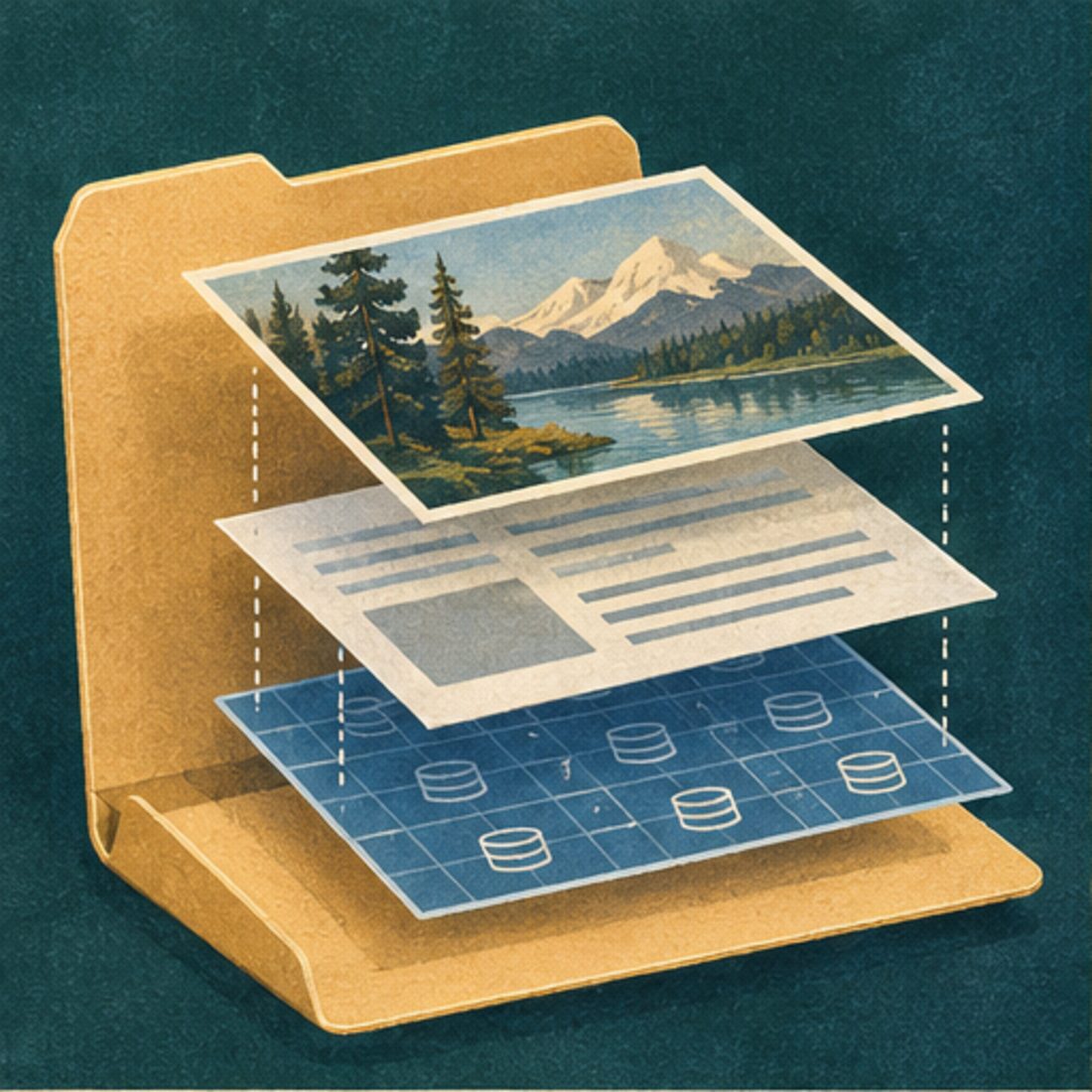
An agent works on files in a folder. It can search the folder, name the files it found and choose a tool for each format.
We use the word data for three layers and often mix them up. At the artefact layer, what you see is what there is. You and the agent can point to the same file.
- Signal
- The bytes on the disk.
- Artefact
- The file you can see in the folder.
- Content
- What the file means to you.
2Plain text and documents that hide their structure
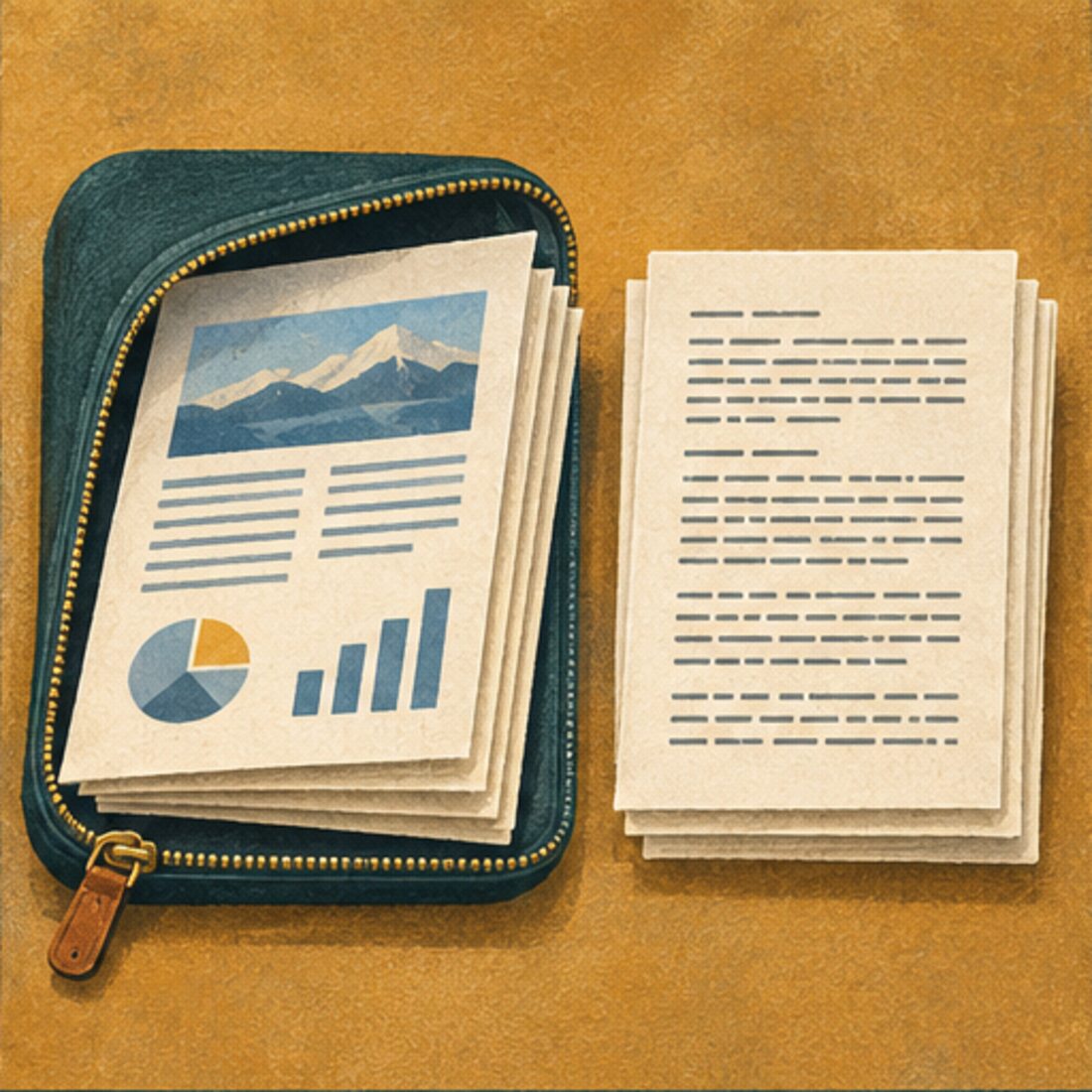
A Word document and a Markdown file can show the same report. A .docx stores its text and styles as XML inside a ZIP package. A tool opens the package and interprets the XML.
Markdown is plain text. The .md ending tells apps what is inside. A heading starts with #, a list item with -, and this table uses | between cells.
Water point check
Markdown

3Metadata at the top
A YAML block at the top of a Markdown file gives the record named fields. An agent can sort by date, filter by status or look up a title without reading the paragraphs below.
Six project records
One record with YAML
Select a field to use it on the list.
Record list
4CSV, and where it stops working
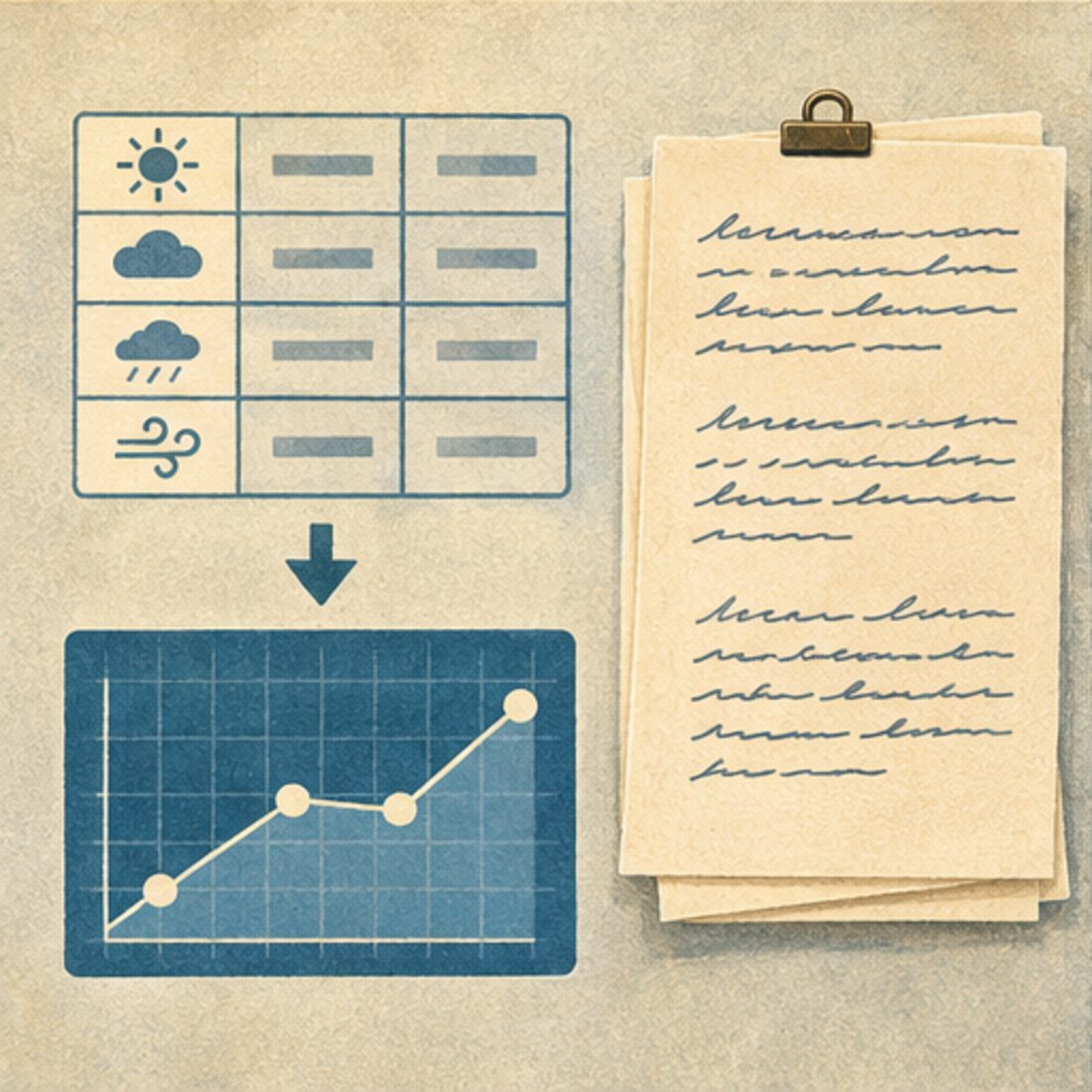
CSV fits regular data such as daily weather readings. Each row has the same columns. The values are mostly numbers, dates and short text. The chart below reads the rows from station-readings.csv.
A survey export can fit in CSV too. The first respondent’s answers take several lines, so the export puts them in quotes and doubles the quotation marks inside. To read the numeric codes, you also need the codebook.
The first survey response
Keep substantive records with long text in one Markdown file per item. Put the fields you need to filter in YAML and the long answers below. Build tables and viewers from those files.
Survey viewer
5JSON when each value needs its label
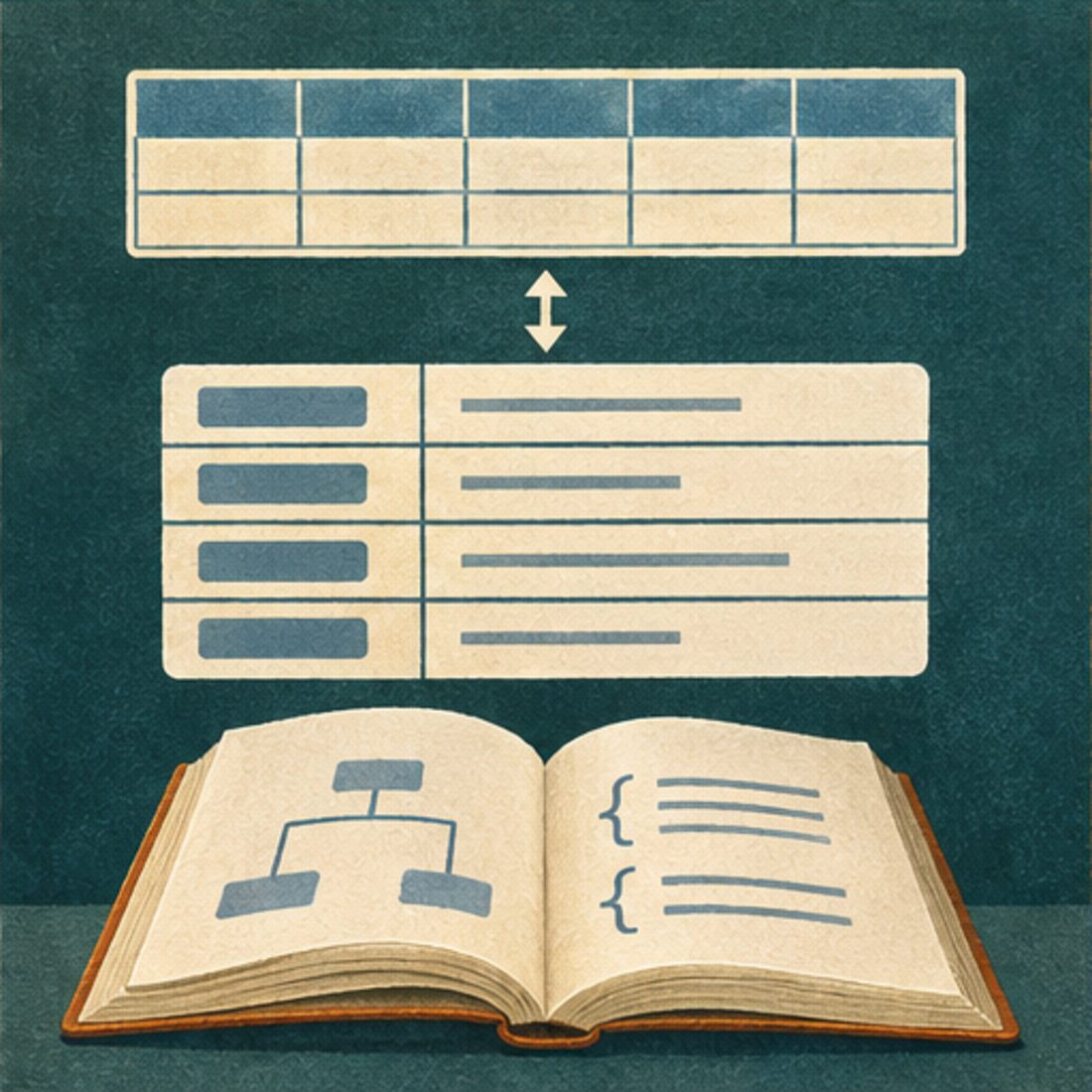
In the CSV row for kniha, you read each cell against the header. In JSON, the labels travel with the values. The example sentence, translation and grammar note can stay together inside example.
One entry from a Czech word table
JSON item
Illustrative announcements. Table headers may repeat depending on the screen reader and how you navigate.
JSON suits tables whose rows are structured items, such as entries in a grammar book. For long prose, Markdown with YAML is usually easier to read.
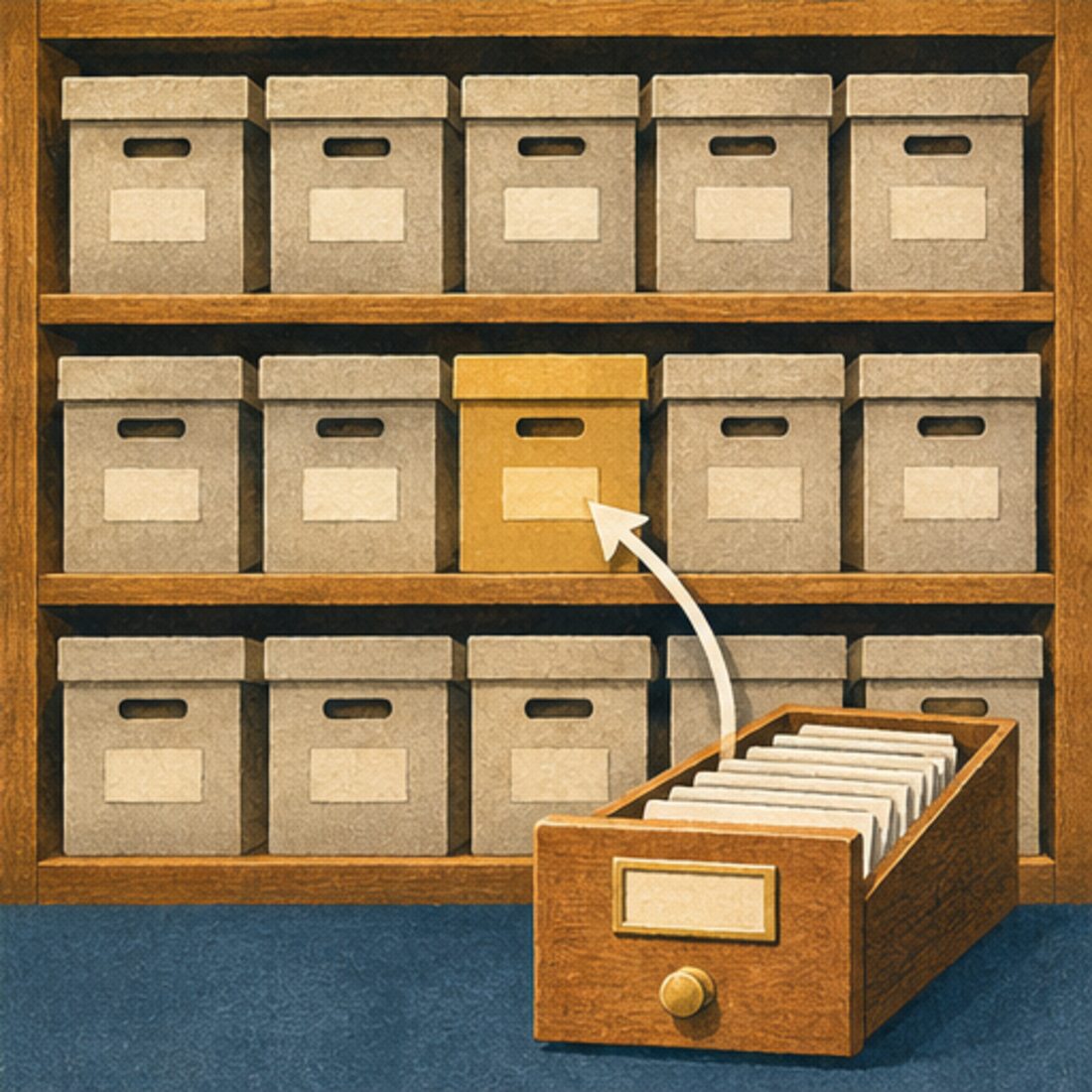
6Files are the record, databases are the index
Before databases, you put a book on the shelf next to the other books, or a box in the archive next to the other boxes. People understood where to look. That stopped working at scale. Databases took over storage and put the data behind an application.
Agents make files easy to work with again. They can search folders and use good file names to find a record. Converting between files and a database used to be a project. Now, for a folder like this one, it can be an afternoon.
Databases are for finding things. The files are the record. If they disagree, the files win.